What your clients and their parents see on UNAFFI
Your clients, and the parents of the children you coach, get their own place on UNAFFI: their sessions, reminders, invoices to pay, workouts and the notes you share. Free.
· Updated
The people you coach, and the parents of the children you coach, get their own place on UNAFFI, free. Once their account is linked, they see their sessions, get reminders, pay your invoices and read and answer the notes you share, without a WhatsApp from you.
1. How they link
- From your emails: every invoice, reminder, statement or journal you send carries their own link. They open it, sign in or sign up with that email address, and they're linked.
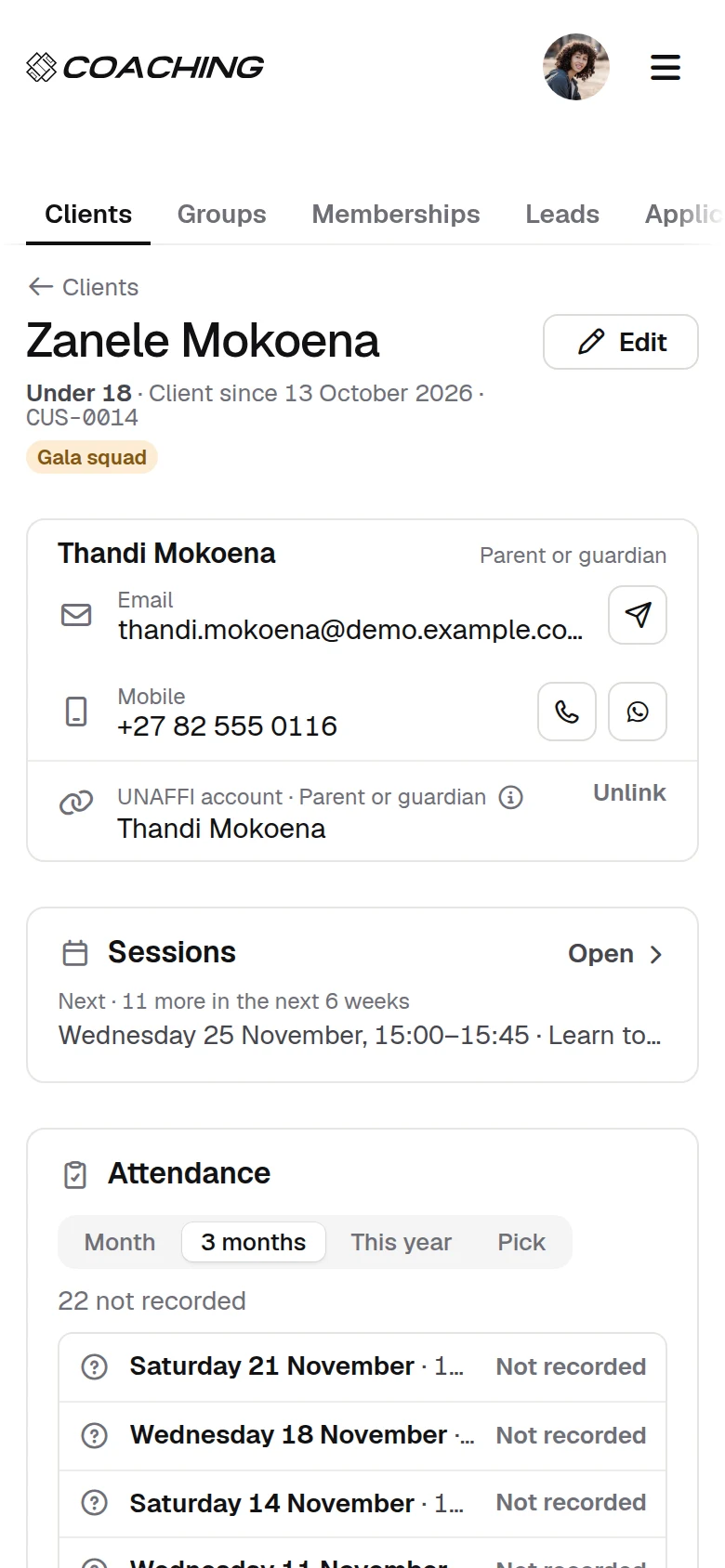
- From their client page: email them the link yourself, under their contact details.
- From Find a coach: someone you took on from their request is linked already.
For a child, each parent or guardian links their own account. You see who's linked, by name, on the client.
2. What they see
Under Account, in their own tabs:
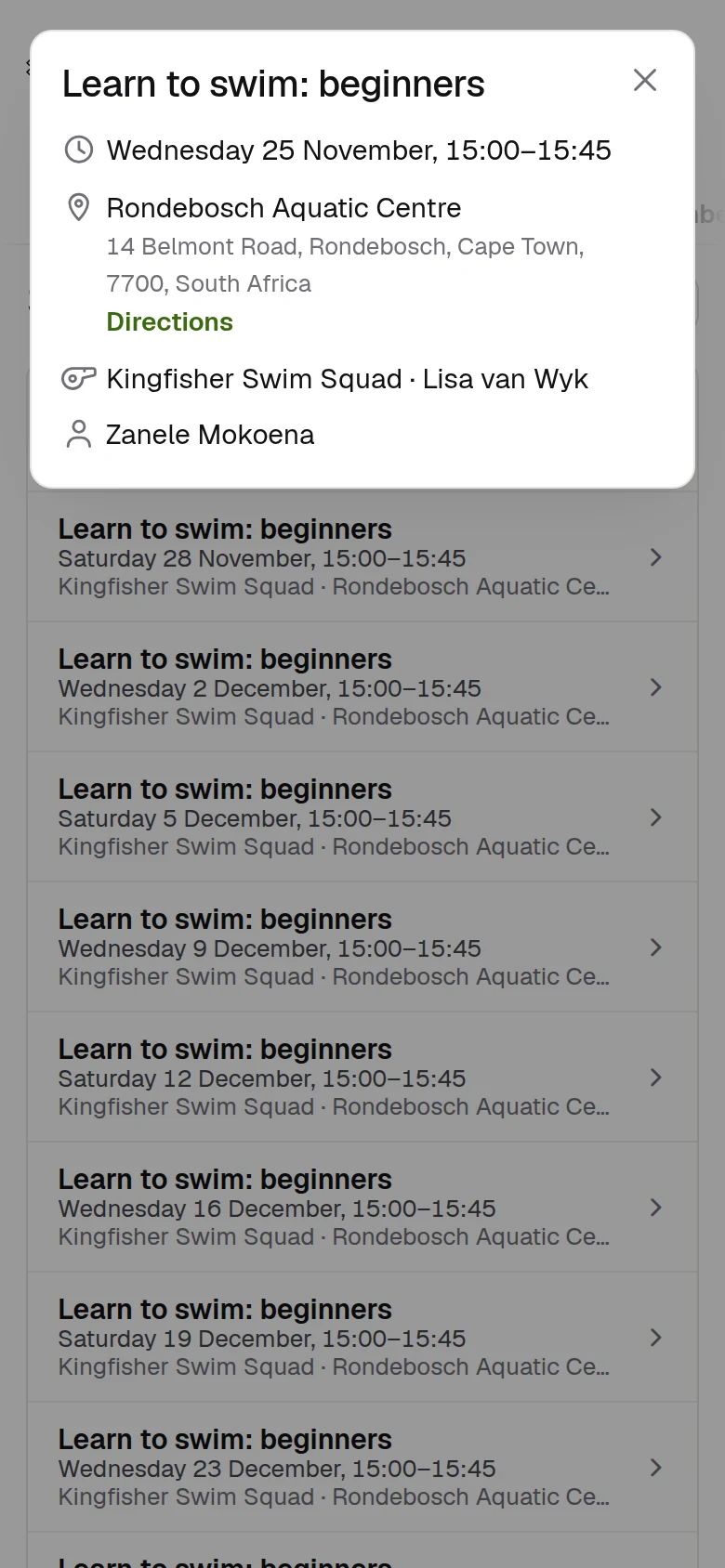
- Sessions: what's coming up, where, and who coaches it, with directions, the workout you gave it and their scores. Sync to your calendar app puts them in their phone's calendar.
- Bookings: the public sessions they've booked and paid for. New booking lists every team and coach they've booked with or are a client of, each opening its page to book again.
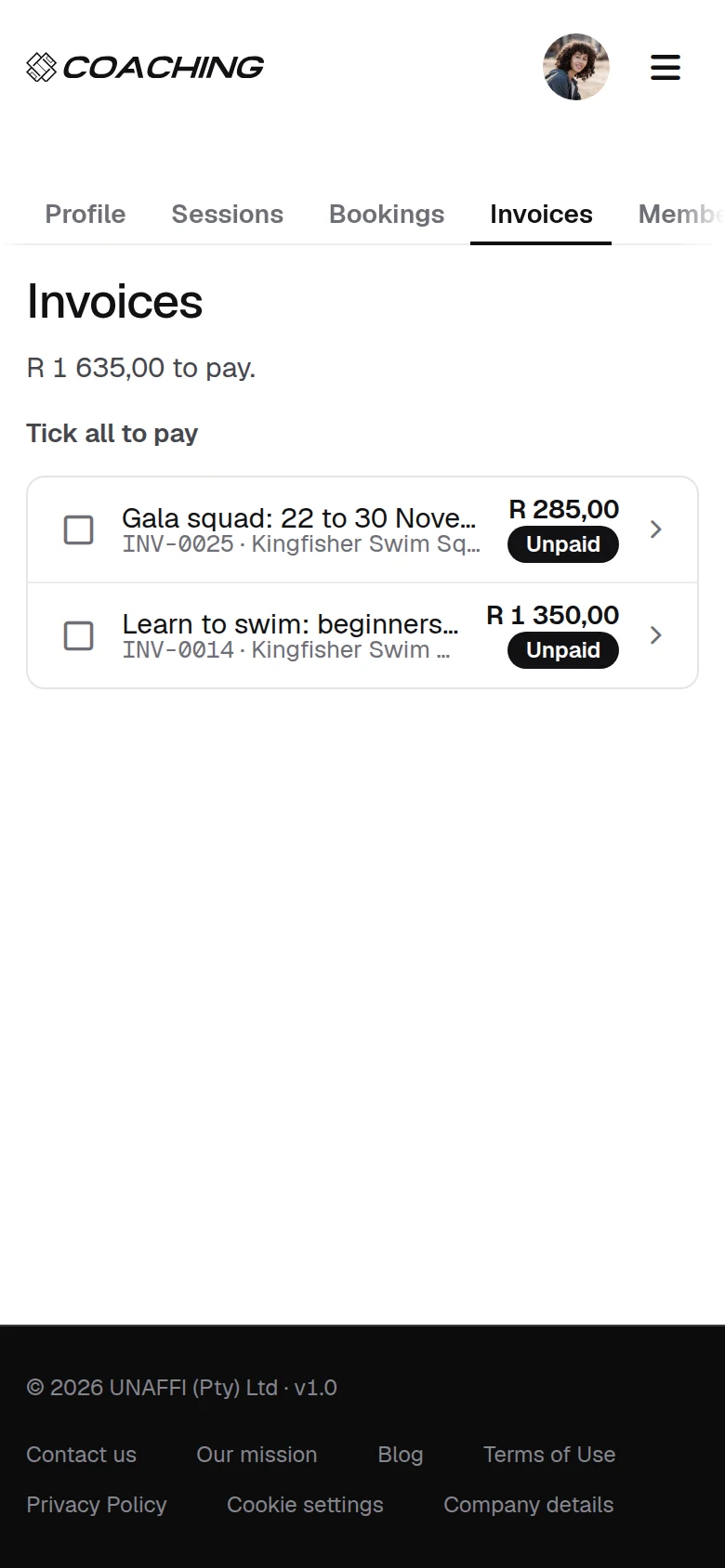
- Invoices: what they owe, ticked to pay online, from all their coaches at once.
- Journal: the journal folders you share with them, where they write back, reply and react.
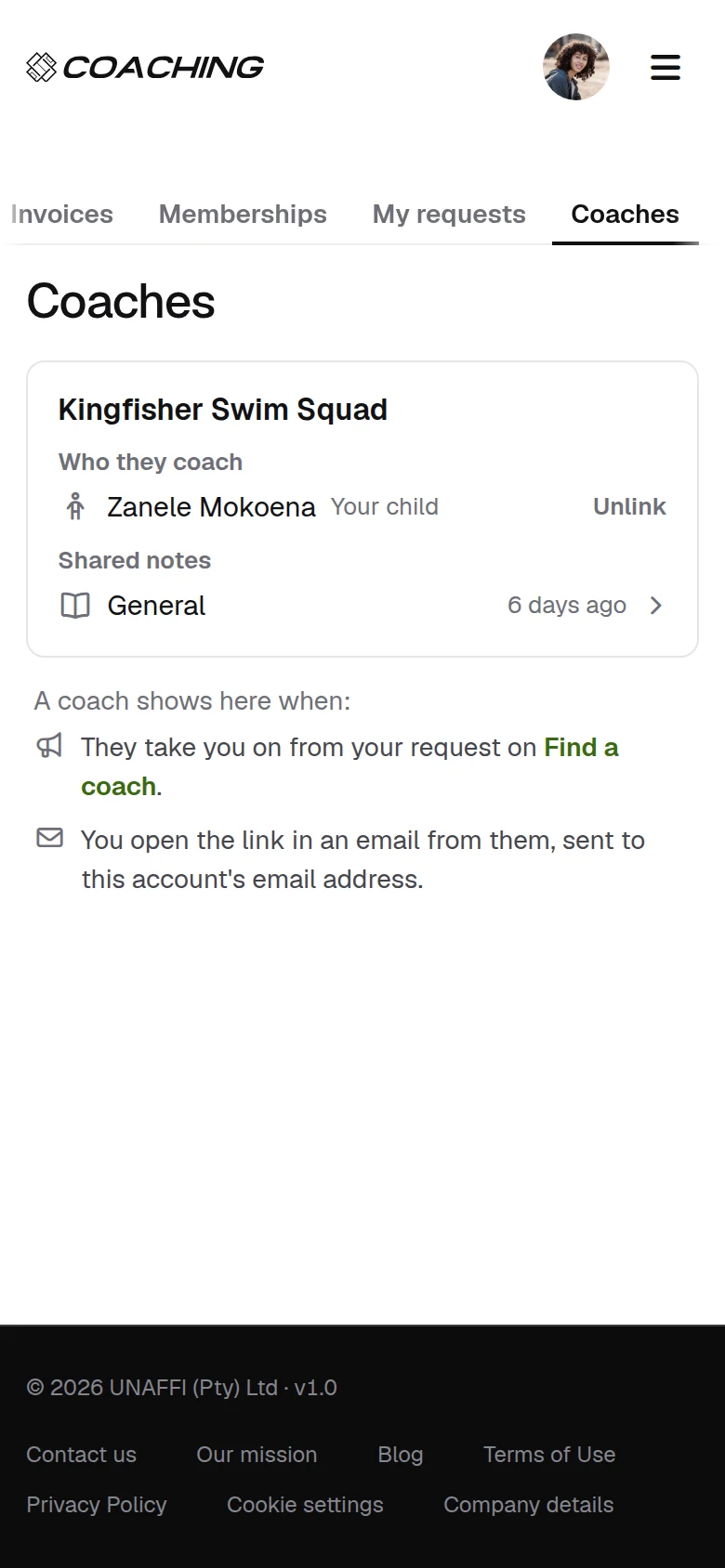
- Coaches: who coaches them or their children, with Book to your page.
Wherever your name shows (a session, an invoice, a membership), it links to your team or coach page, so booking again is a tap away. Your booking emails link to it too: "Book another session".
Once they're linked, session reminders reach them at the time you set, and changes to a session as you make them, as an app notification or an email. A group session never shows the other clients.
Questions
Does it cost my clients anything?
No. An account on UNAFFI is free for clients and parents, and so is everything they see.
How do my clients link their account?
Through the link in any email you send them (an invoice, a reminder, a statement or a journal), or one you email them from their client page. It only works for an account with that email address. A client who found you through their request on Find a coach is linked already.
Can both parents see their child?
Yes. Each parent or guardian with an email address on the client can link their own account, and each sees everything about their child.
Do they see the other clients in a group?
No. A group session shows them only themselves or their own children, never anyone else coming.
Can a link be undone?
Yes, by you or by them, at any time: under the client's contact details, or under Coaches in their account.